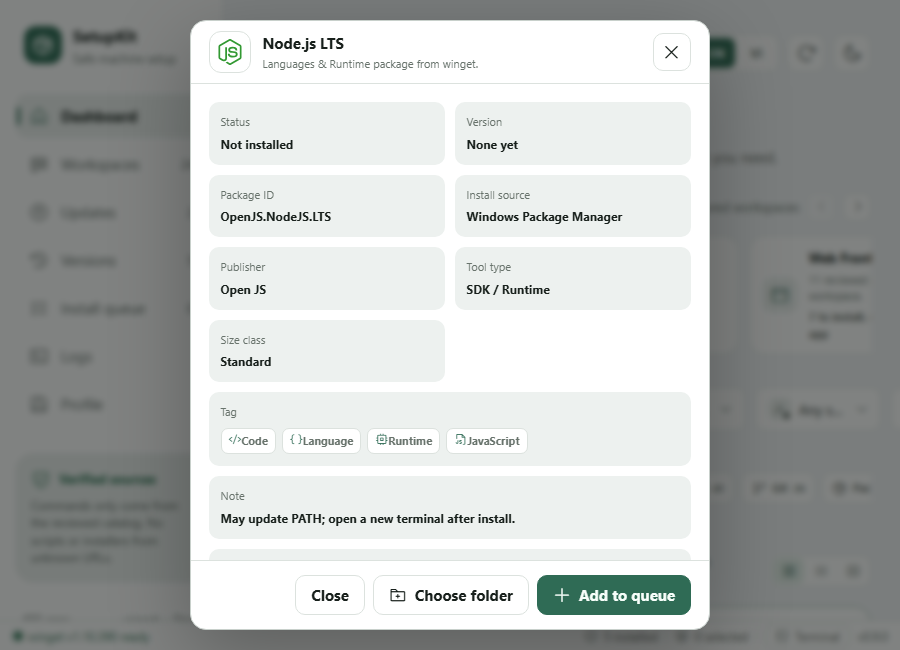
Allowlist
The reviewed catalog ships inside the app.
Workspaces, apps, updates, rollback, profiles.





reviewed apps
workspaces
UI icons
portable exe
No random scripts. No packages outside the allowlist.
The reviewed catalog ships inside the app.
Logs and progress follow real command output.
Save an app set and reuse it on the next machine.
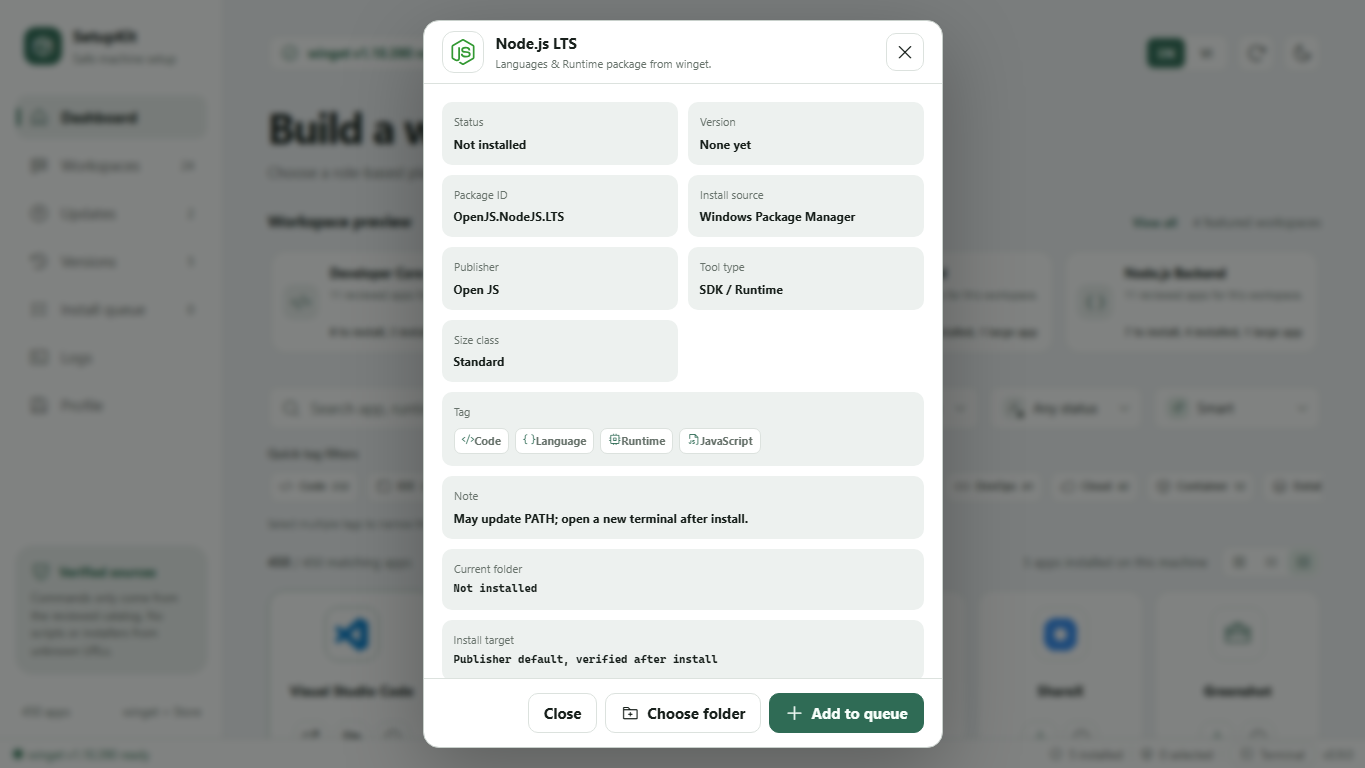
Find apps by name, source, status, tag, or package ID.
Choose a manifest version and confirm the exact command.
Every install path stays inside the reviewed catalog.
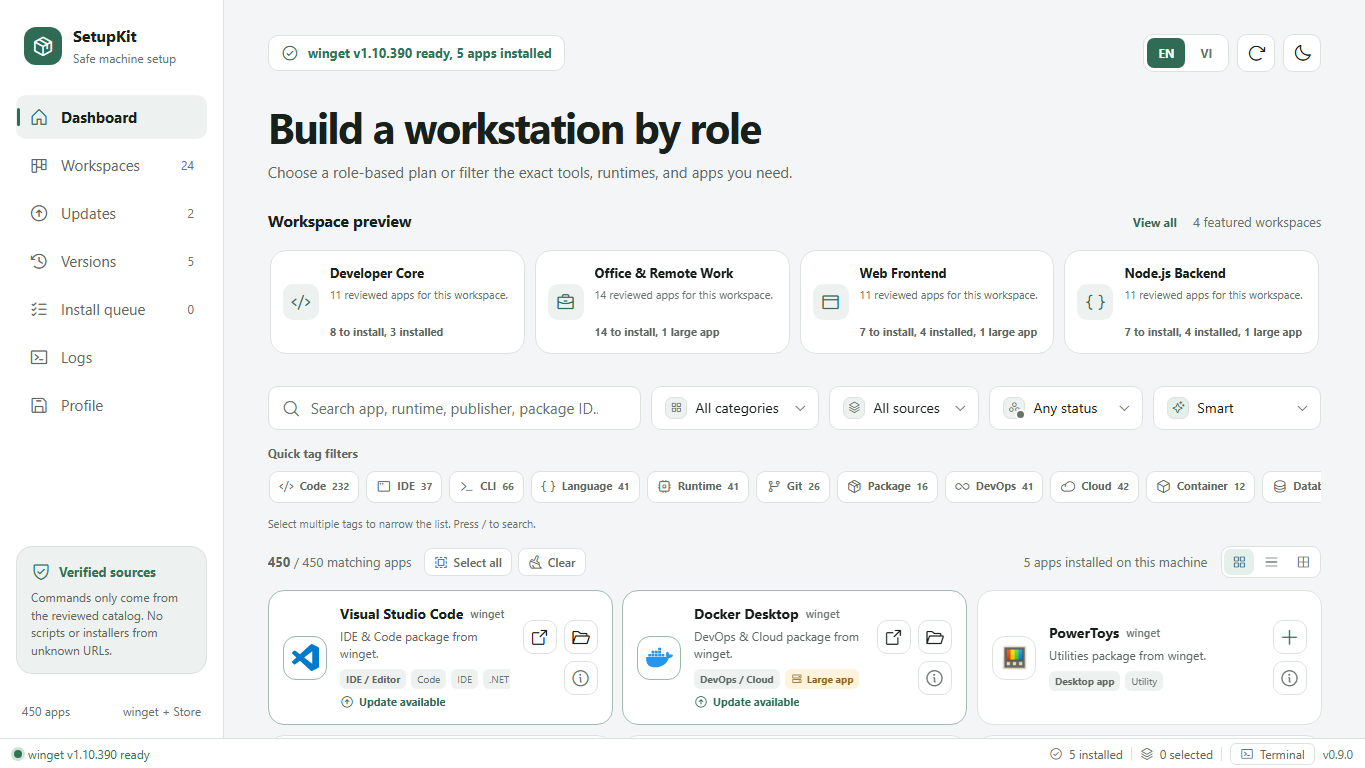
Developer, Office, Design, Gaming. Filter by tag, source, and status.
Scan upgrades, search fast, update one app or all.
View older versions and pick the one you need.
Confirm, log, and rescan status.
Install, update, rollback, profiles, and motion UI.
Larger catalog, cleaner logos, automatic tags.
Team presets, policy, and drift checks.
Signed builds, auto-update, and release channels.
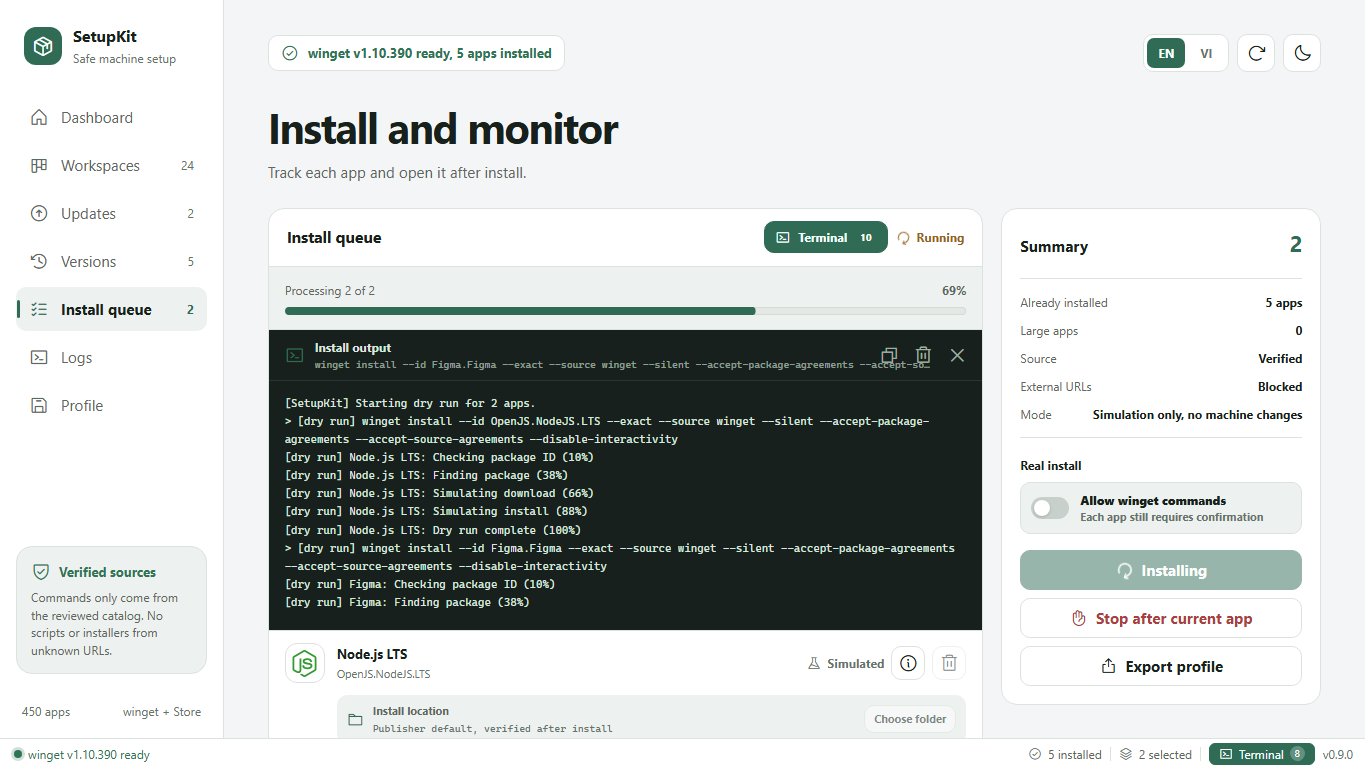 Live progress
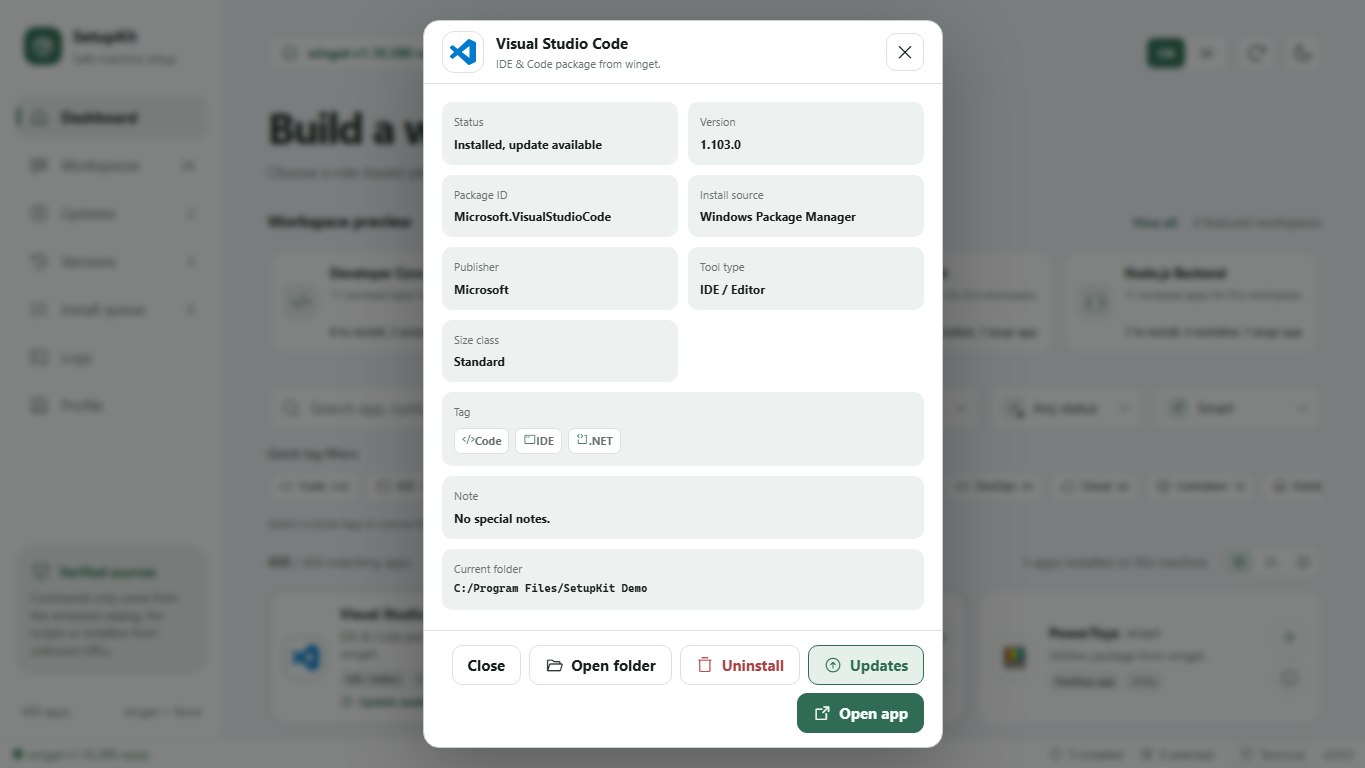 Update & uninstall
 Dense catalog
Native WebView2. No Node, no Electron.